Europe/London
BlogOctober 29, 2026

MacWipe: A Mac Cleaner That Shows Its Work Instead of Scaring You

Alex Filatov
My disk was full. Not "getting full" — full, with the little macOS dialog that says you can't take a screenshot because there's no space to save it. I did what everyone does: searched for a Mac cleaner, downloaded the one with the best ads, and within thirty seconds was told my Mac had a health score of 54 and three threats. I'm a software engineer. I knew the "threats" were browser cookies and the score was invented. And I still felt the little jolt of fear it was designed to produce. If it works on me, it works on my parents — and that's the business model of the category. MacWipe is the cleaner I wanted instead.
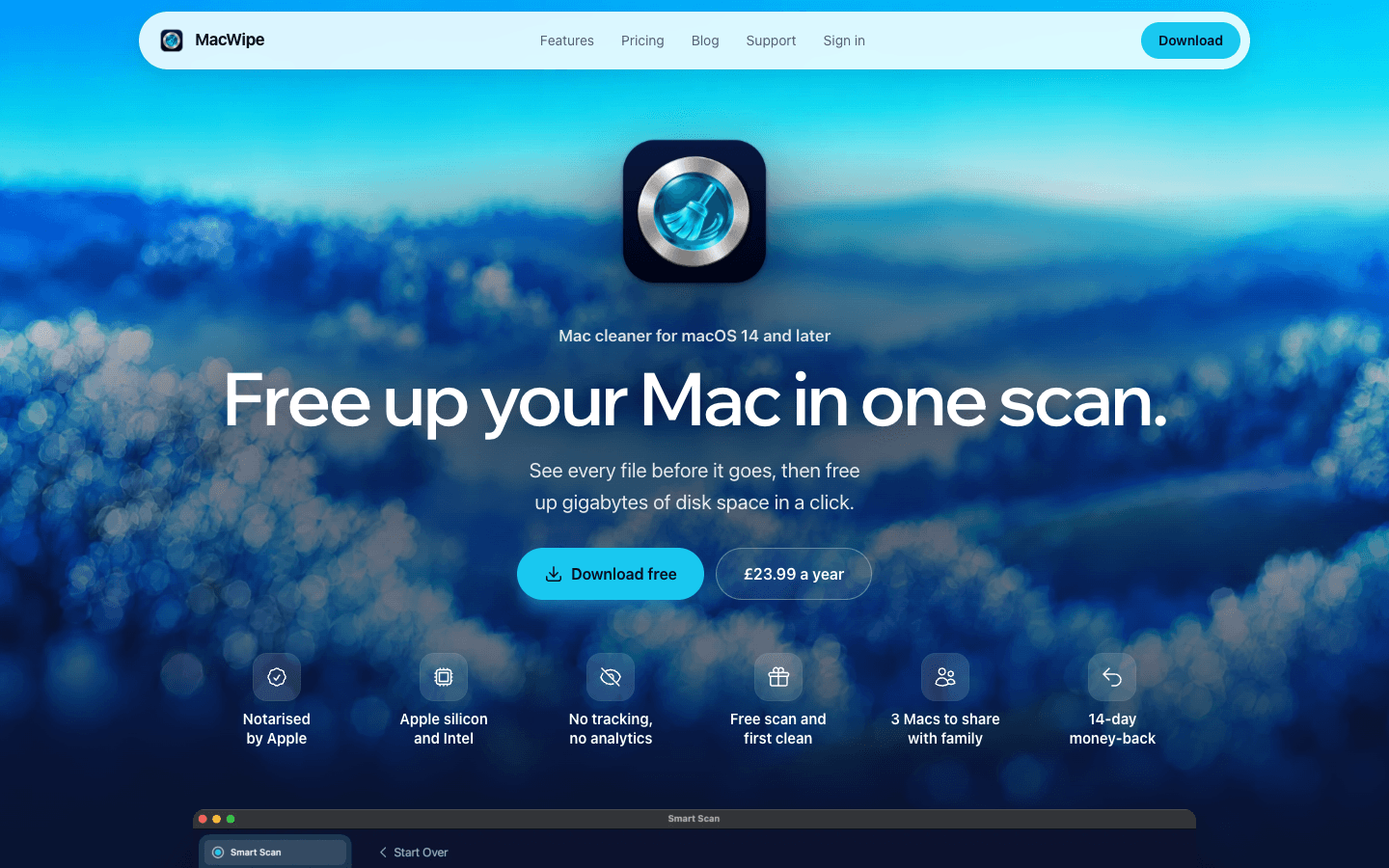
macwipe.com homepage: Free up your Mac in one scan. Notarised by Apple, free scan and first clean, 3 Macs to share with family, 14-day money-back
MacWipe is a native macOS app, SwiftUI with AppKit where needed, that finds space you can safely recover:
  • System junk — caches, logs, leftover installer files, Trash bins
  • Large and old files you forgot existed
  • Duplicates and similar images
  • App leftovers from apps you deleted months ago
  • Mail attachment caches and local copies of cloud files that are already safe in the cloud
  • Browser privacy traces
  • Unwanted startup items and known adware
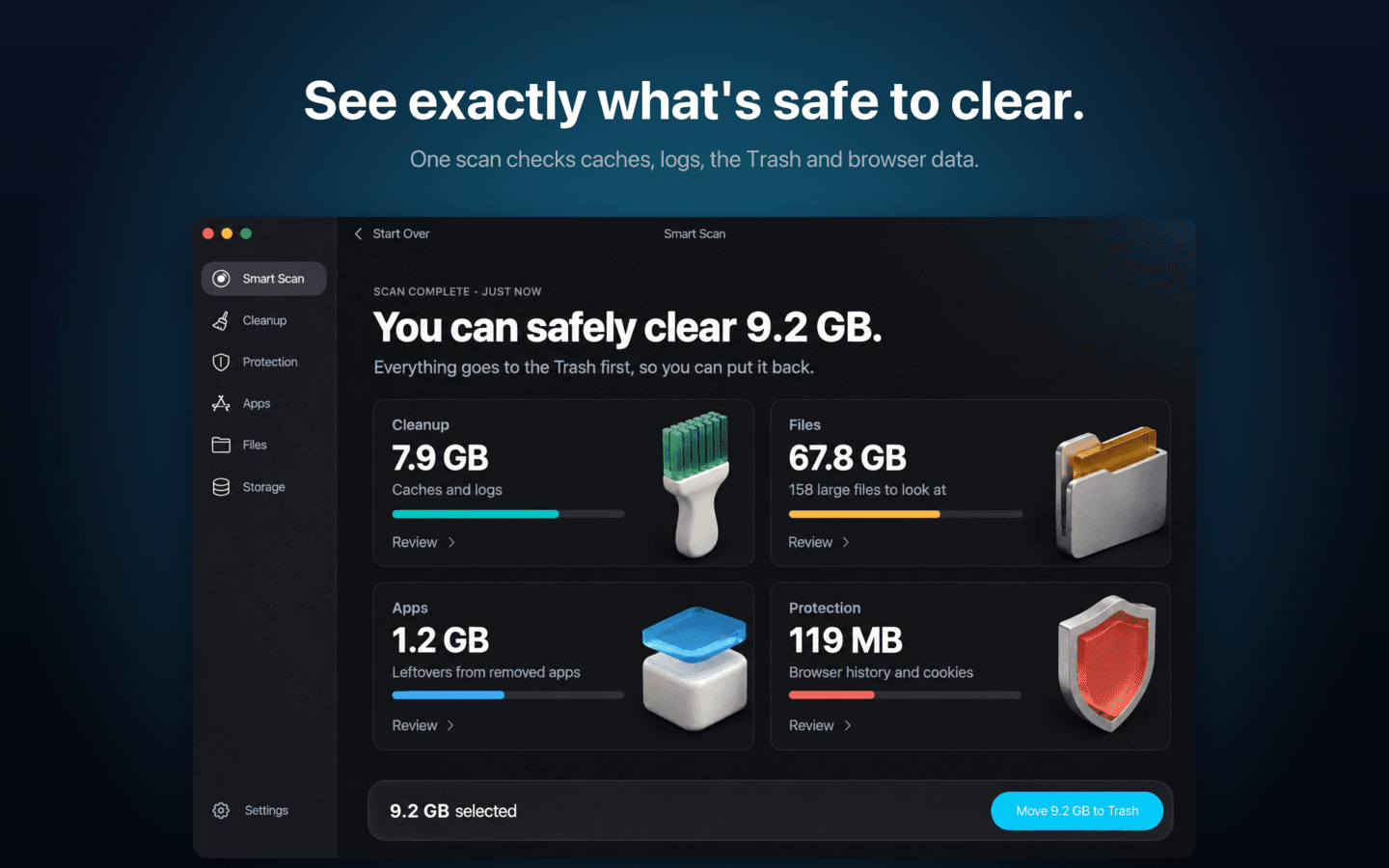
It runs a Smart Scan, shows you what it found, and removes it only after you've reviewed it. Then it shows you the result, with a way to restore. That's the whole loop. Scan, review, select, confirm, clean, see the number. One obvious next step on every screen.
MacWipe Smart Scan results: 9.2 GB safe to clear, broken down into Cleanup, Files, Apps and Protection, with a Move 9.2 GB to Trash button
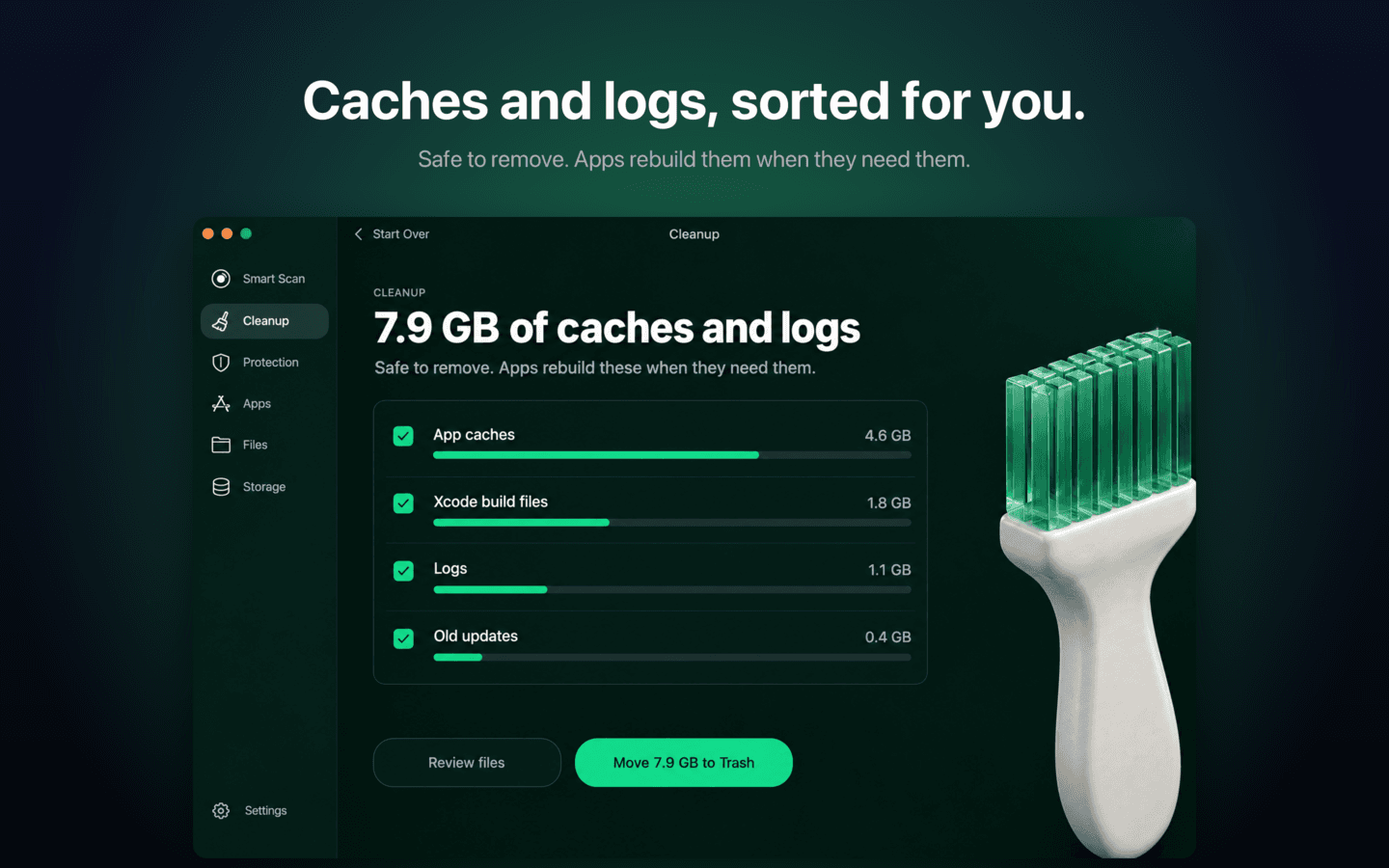
Nothing is lost by accident. Removals go to the Trash by default, or to quarantine for adware matches, and can be restored. Permanent deletion happens only when you explicitly empty the Trash. Every action is logged. Show the work. Every number traces back to files you can see, open, or reveal in Finder. "7.91 GB of System Junk" means 133,480 real items you can expand and inspect, not a figure from a progress bar animation.
MacWipe Cleanup screen listing app caches, Xcode build files, logs and old updates with sizes, each one reviewable before removal
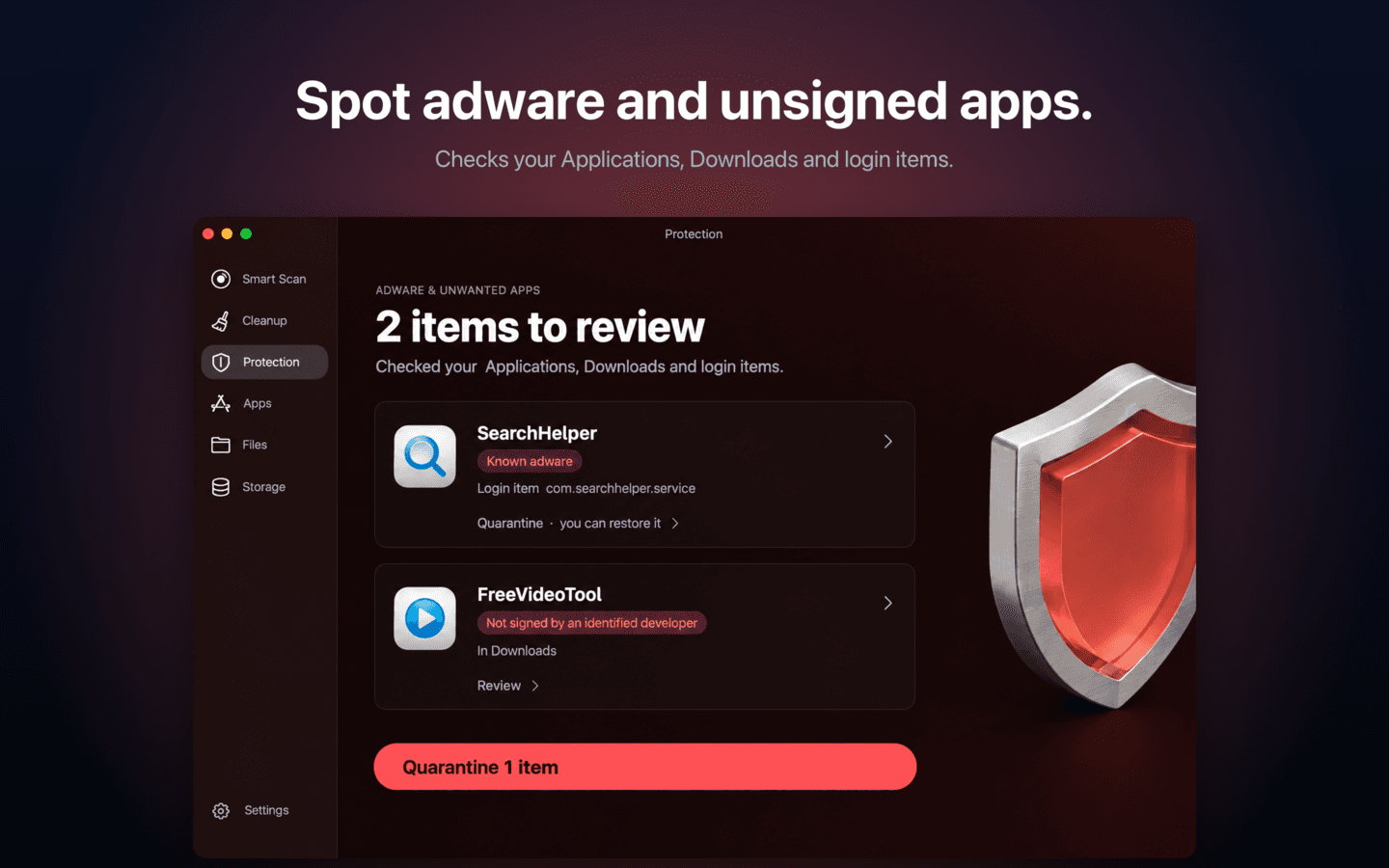
Honest about limits. MacWipe runs in the App Store sandbox, which means it can only read the folders you grant it. When a scope isn't available, the app says so plainly. It never shows "All clean" for a folder it wasn't allowed to look at — which is a surprisingly common trick in this category. No health score. Anywhere. The dashboard and the menu bar show real numbers: space available, how much can be safely cleared, when the last scan ran. There is no invented 0–100 figure, no "threats" counter, no red badge nagging you to upgrade. Calm voice. The button says "Move 7.9 GB to Trash", not "Clean". It names the action. No fear-selling, no performance claims about making your Mac "run like new." On adware specifically: MacWipe 1.0 ships an "Adware & Unwanted Apps" module that checks code signatures (unsigned, revoked, not notarized), checks persistence (launch agents, login items, browser extensions), and matches known-bad bundle and team IDs — with quarantine and restore. It does not claim to be antivirus, and it says so.
MacWipe Protection screen showing a known adware login item and an unsigned app in Downloads, with quarantine and restore
MacWipe mirrors how the category leader distributes, because that structure genuinely serves users:
  • App Store edition — sandboxed, bought through Apple with a subscription. The safest install for most people.
  • Direct edition — notarized, not sandboxed, downloaded from macwipe.com and licensed through Stripe. For people who want deeper reach than the sandbox allows, or who prefer not to subscribe through Apple. Activation is a magic-link sign-in and a signed licence; updates arrive through Sparkle.
Pricing is deliberately simple so you don't have to do arithmetic: scanning is free, the first clean is free, and after that it's about £2 a month on an annual plan or a quarterly plan at a slightly higher rate — either way covering up to three Macs, so you can share it with your family. The Direct edition also has a lifetime option. The honest answer is that the category is enormous, dominated by one product, and that product's entire acquisition funnel runs on fear. I don't think fear is necessary. I think a cleaner that finds something real in the first minute, shows you exactly what it will touch, and lets you undo it earns trust faster than any health score — and trusted apps get recommended. MacWipe is on version 1.0.2 for the Direct edition, with the App Store edition in review. If your disk is full and you'd rather be told the truth than be frightened, try the free scan.
Share this post: